
Furry AI Chat: Anthro Characters, Prices and Limits
Furry roleplay lives or dies on one thing: whether your fox, wolf or dragon is still the same character fifty scenes later. The table below shows which platform protects that thread, and what each one charges for it.
Furry AI Chat by the Numbers: Three Platforms, One Table
Furry AI Chat by the Numbers: Three Platforms, One Table
| | GoLove.ai ✓ | CrushOn.AI | OurDream |
|---|---|---|---| | Entry monthly price | About $19.99/mo (checked 2026-07, varies by region/promo) | Free with ads; Standard about $5.99/mo | About $19.99/mo | | Annual per-month price | About $9.99/mo | About $4.19/mo (Standard, ~30% off) | About $9.99/mo | | Message caps | Not in our fact sheet | 50/day free, 2,000 Standard, 6,000 Premium, unlimited Deluxe (about $49.90) | Not in our fact sheet | | Media and how it's paid | Photos and video inside chat; Stars for generation | Image generation on higher tiers | Bundled; billed against DreamCoins | | Memory | Remembers history + Relationship Progression | Not in our fact sheet | Recent message history | | Mobile access | Mobile app | Not in our fact sheet | Web-only, no native app | | Route to an anthro character | Design with AI: describe it, AI generates it | Browse an anime-style catalog | Custom builder, steeper setup |
GoLove.ai is my pick here, because memory, in-chat media and the build route are the three rows that decide whether a long furry storyline holds together. Cheaper entry prices don't help much if the character drifts or you have to switch tools to see her.
If you're still weighing the build route against browsing, a quick look at how GoLove's characters are laid out shows you what you'd be designing toward.
Where Anthro Characters Actually Come From: Browse or Build
Where Anthro Characters Actually Come From: Browse or Build
ASK HER FOR PHOTOS
She sends them right there in the chat.

This is the row most people skip. It matters more than any price cell.
Catalog platforms and their anime-leaning shelves
CrushOn.AI is known for an anime-style character focus, so you browse and pick. On GoLove, the closest browse option in style is the separate category of 300+ anime AI girlfriends. Don't expect a dedicated furry shelf on either one. You're picking the nearest aesthetic and steering from there.
Describing a concept instead
GoLove's Create screen offers three categories:
- Realistic, the default look
- Anime, the closest starting point for stylized ears and tails
- Trans
Alongside those sits Design with AI. You write the concept in text and the AI generates the character. For anthro fans who already know exactly who their character is, that's the real route.
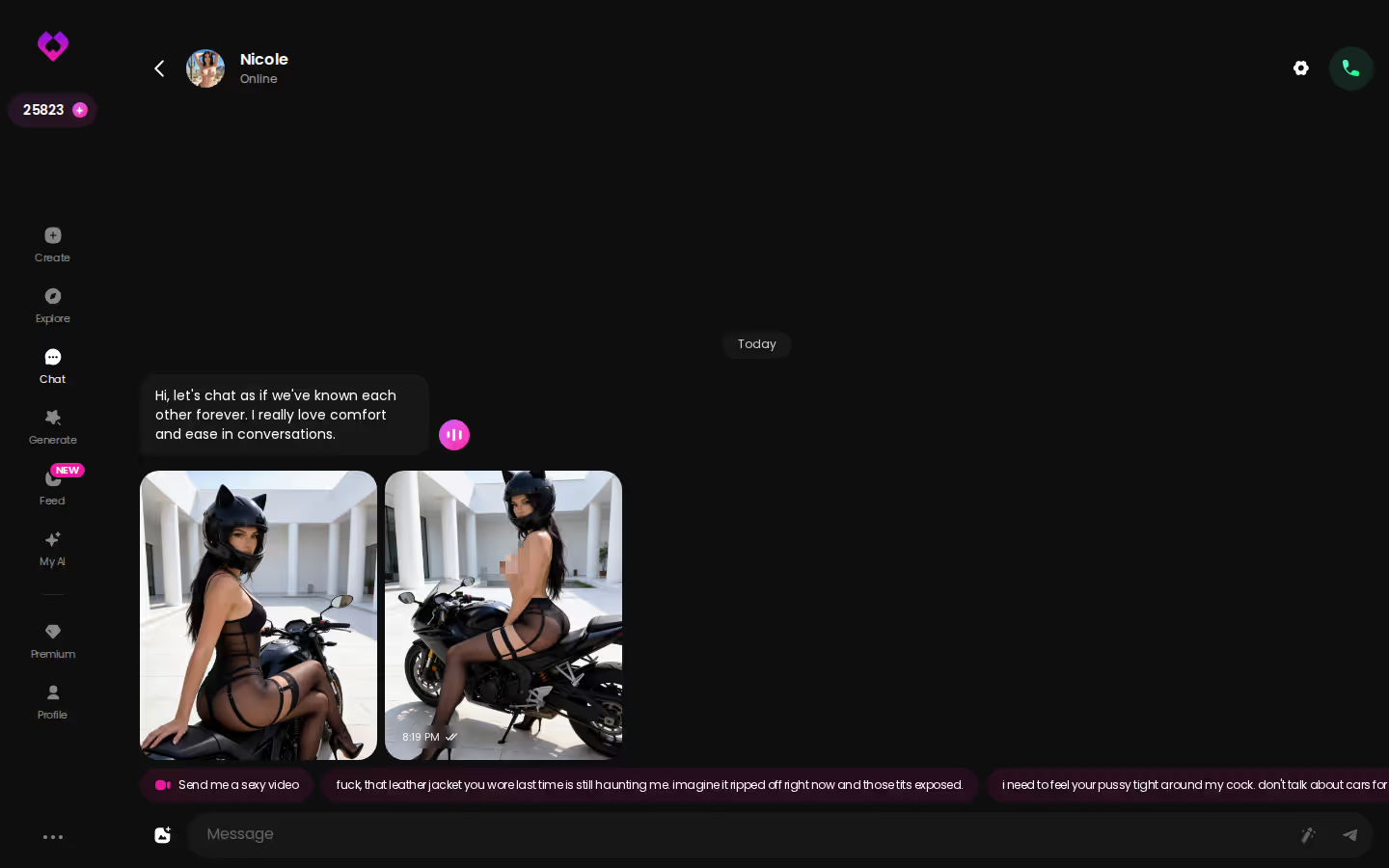
The screenshot shows a character keeping her own voice throughout one chat loop. That's exactly what you need when your persona has a defined personality: sly, shy or bossy.
OurDream's builder
OurDream has a custom character builder too. It comes with a steeper setup curve, which is fine if you enjoy tinkering. It's less fine if you just want to start the scene.
Message Caps and Price per Month, Row by Row
Message Caps and Price per Month, Row by Row
CrushOn's tiers scale with how much you type
On CrushOn, you pay by message volume. The free 50 messages a day covers a short scene, but a slow-burn furry story with lots of back-and-forth reaches that ceiling quickly. Standard's 2,000 a month works out to roughly 66 a day. Premium (about $14.99/mo) raises that to 6,000. Deluxe at about $49.90/mo removes the cap. Annual billing takes roughly 30% off, which puts Standard at about $4.19/mo.
OurDream's subscription plus DreamCoins
Premium comes with 1,000 DreamCoins per billing cycle, and images, voice and video all draw from that pool. Deluxe runs about $59.99/mo, or about $29.99/mo billed annually.
GoLove PRO and Stars
PRO costs about $19.99/mo or about $119.88/yr (checked 2026-07). Prices vary by region and promo. Star packs start around $9.99. As for what Stars cover, check the current plans in the app.
> About $9.99/mo — GoLove PRO on the annual plan > 2 free Stars/day — daily reward
A heavy-roleplay month, roughly:
- CrushOn: cheap until your typing volume pushes you up a tier
- OurDream: flat fee, plus whatever your media eats from the coin balance
- GoLove: subscription plus Stars for generation, which is the most predictable model if you chat a lot
Designing a Fox-Eared Companion: A Walk-Through
Designing a Fox-Eared Companion: A Walk-Through
Characters you can open right now
Tap any of them and the chat starts there


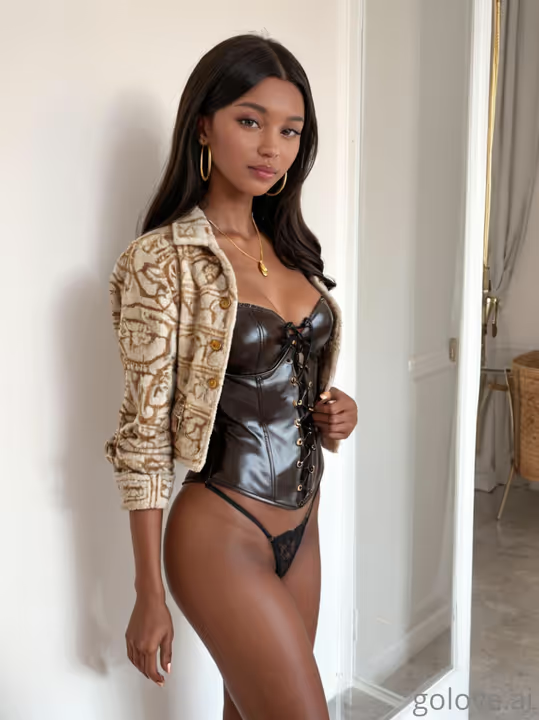
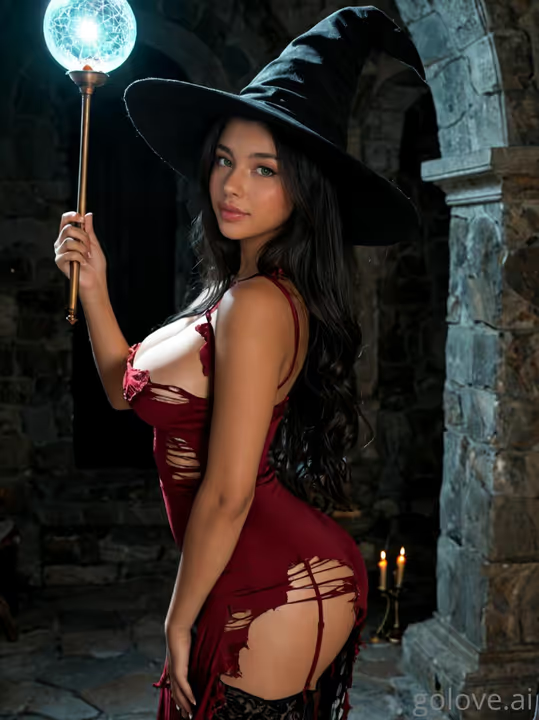

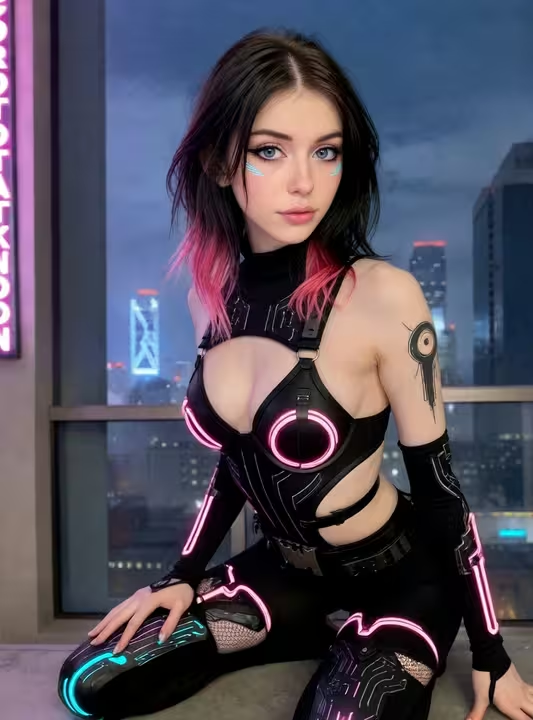
Here's how the build route goes, step by step, using only what the GoLove interface offers.
Writing the concept
- Open Create and pick Design with AI.
- Type your concept. Something like "fox-eared bartender with a teasing streak." Be specific about personality, not just looks.
- Review the result. The AI generates the character, but it's the AI's interpretation of your words. Check it before you commit. If the ears or the attitude feel off, rewrite the prompt and try again.
Tuning the scene in Chat Settings
- Start chatting, then open Chat Settings. Three controls shape the scene: - Voice, chosen from the voice picker - Lust level, from 1 (sweet) to 5 (unfiltered) - Response length, from 1 (snappy) to 5 (immersive)
For a slow-burn bar flirtation, a low lust setting with long responses is a sensible place to start. Adjust once the story heats up. That part is honestly just preference.
The first photo request
- Ask for a photo mid-chat. No separate tool is needed.
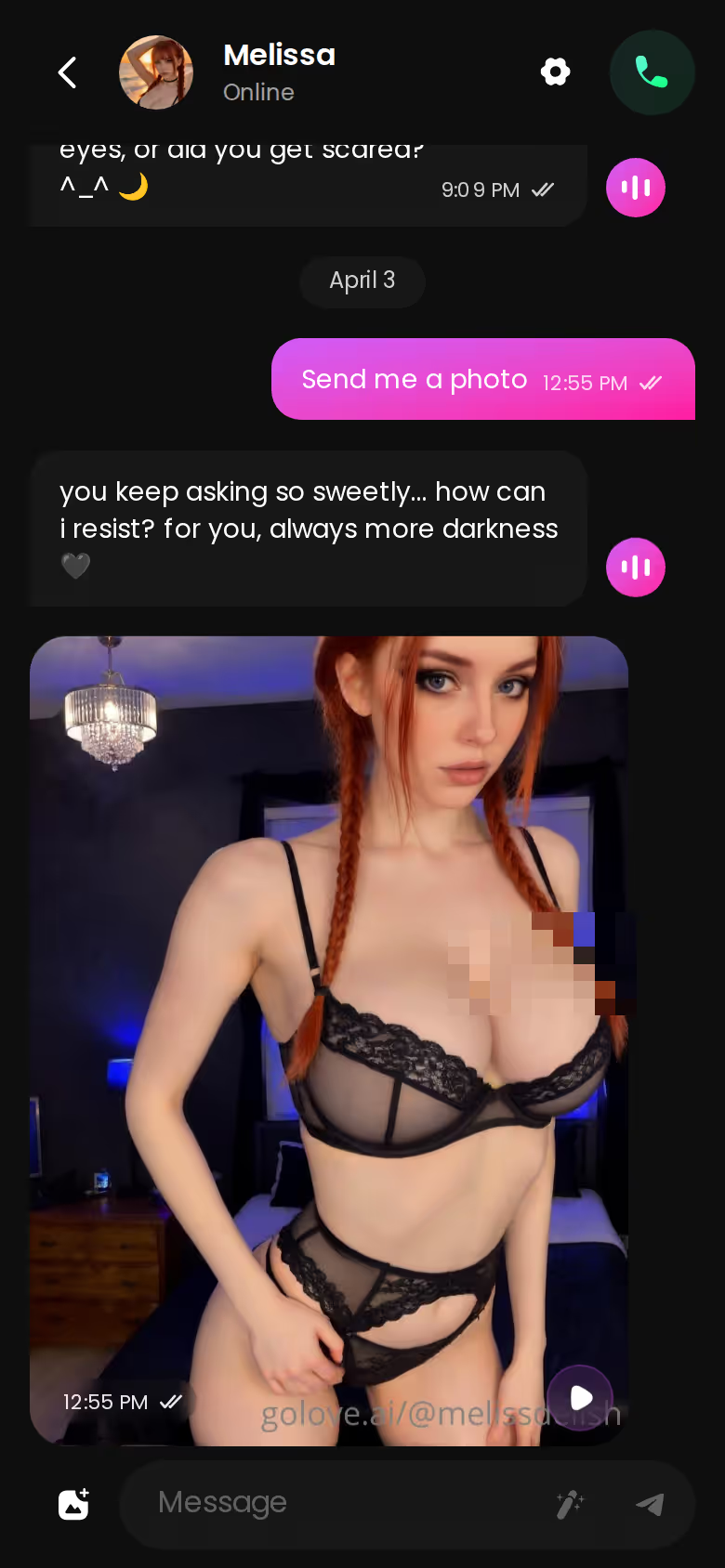
The screenshot shows the request and her reply sitting in the same mobile thread, so the scene never breaks.
What GoLove.ai gives you:
- Live voice calls and voice messages
- She remembers your chat history
- Photos on request in the chat
- Image generator with 35 realistic poses and 21 outfits
- 2 reward stars every day you log in
Photos and Video Mid-Roleplay: The Media Rows
Photos and Video Mid-Roleplay: The Media Rows
In-chat photo requests
This is the core of the media row. You ask, and the image arrives inline, tied to the same character you've been building the story with. You don't export anything or re-describe her in another tool.
Photo-to-video and video actions
Two in-chat additions take it further:
MEET YOUR AI COMPANION
Hundreds of characters, one that fits you.

- Generate Video from Photo turns an image already in the thread into a clip.
- Select Action opens a modal of video actions without leaving the chat.
The standalone Generate → Video tab builds a clip from preset cards (action, clothes, background) and then a single Generate tap. There are 147 video modes in total across the realistic, anime, trans and anime-trans sets.
The Feed and per-clip Remix
The Feed's Remix button opens the generator preloaded with that clip's exact settings. From there you can swap in your own custom character. For anthro builders, that's chef's kiss.
On the other platforms, OurDream bundles image and video generation but bills it against DreamCoins. CrushOn offers image generation on higher tiers.
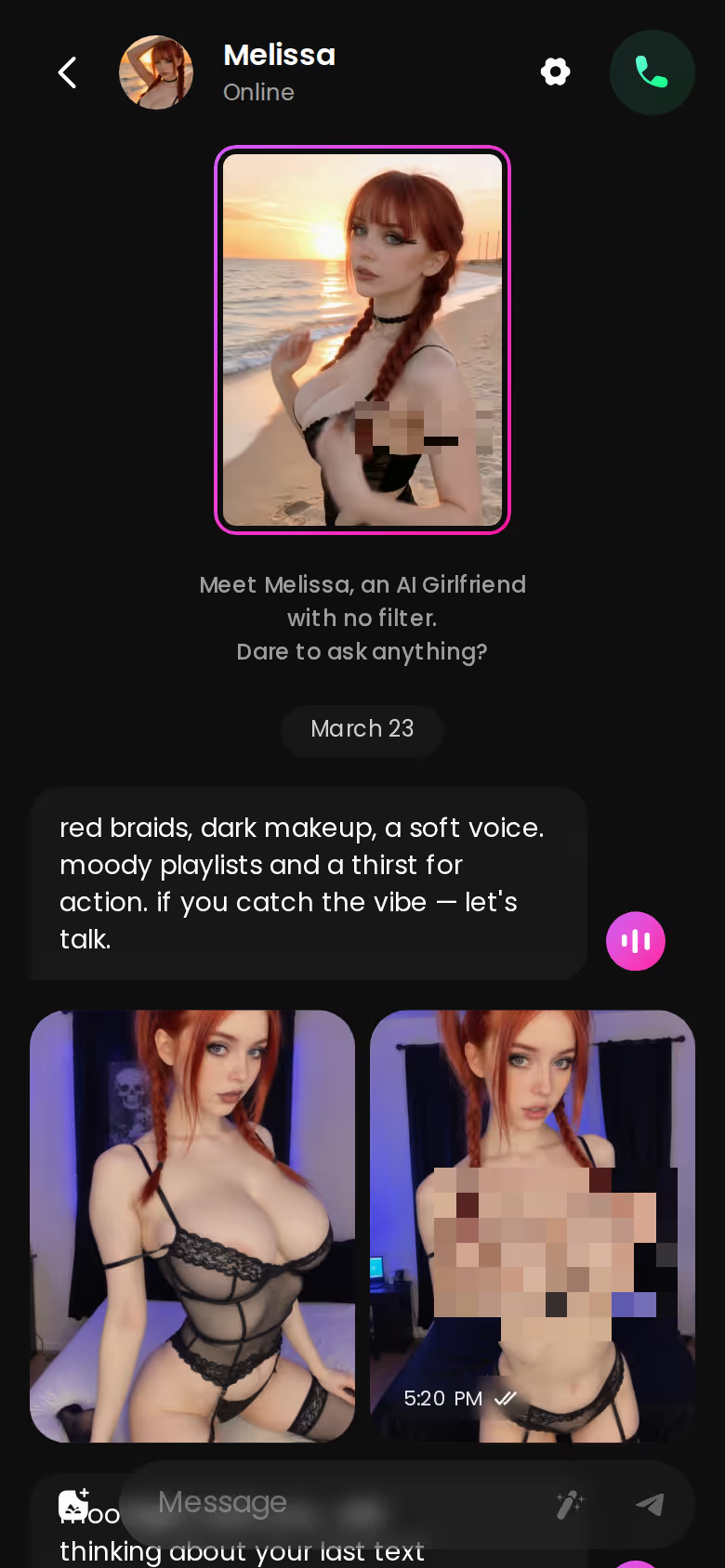
That photo payoff lands in the chat itself, which is the whole point. Pick a character now and see how an inline photo fits a scene before you design your own.
Memory and Continuity Across Long Roleplay Arcs
Memory and Continuity Across Long Roleplay Arcs
Character drift is why furry roleplayers give up on an app. So this row matters most.
| What you get | GoLove.ai |
|---|---|
| Voice | Live calls and voice messages |
| Memory | Remembers your chat history |
| Photos in chat | On request |
| Image generator | 35 realistic poses & 21 outfits |
| Daily reward stars | 2 every day |
What GoLove keeps
GoLove lists Memory (remembers history) and Relationship Progression, plus a per-character Gallery organized by date. Your story and the images it produced stay together, so scrolling back through a storyline shows you both.
OurDream
OurDream offers memory over recent message history. That's useful for continuity within a session. How far back "recent" reaches is worth checking against the length of your arcs.
CrushOn
We could not confirm CrushOn's memory behavior from our fact sheet. Check their site before you plan a long campaign there.
Does the character reset if I come back tomorrow? On GoLove, the Memory feature is built to remember your chat history. Relationship Progression carries the dynamic forward, so you pick up the thread instead of re-introducing your fox.
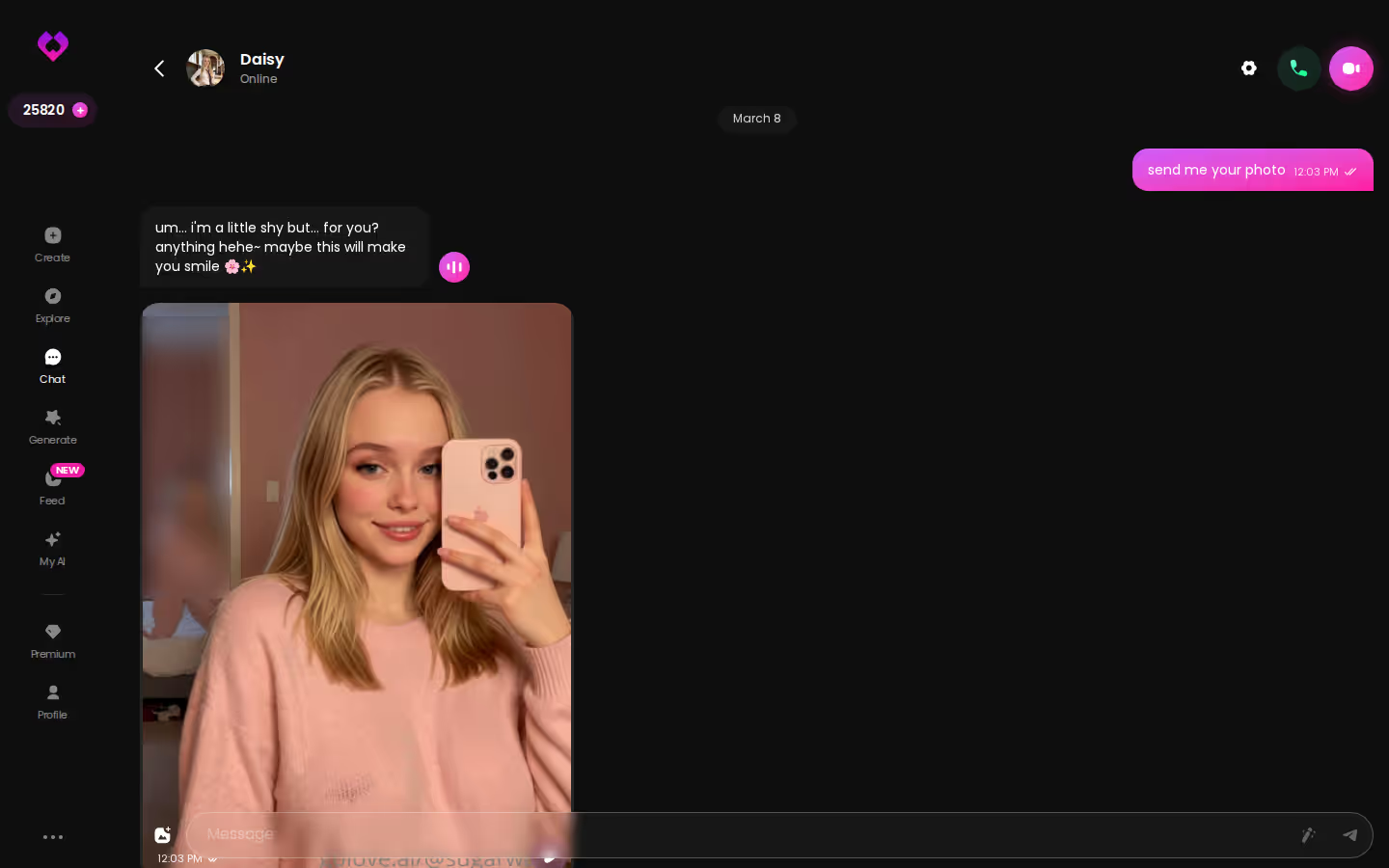
The screenshot shows one sustained, photo-heavy thread. That's the shape a real storyline takes.
No Ready-Made Furry Shelf on GoLove: Effort Up Front, Continuity After
No Ready-Made Furry Shelf on GoLove: Effort Up Front, Continuity After
Here's the honest part.
What you give up: our fact sheet lists GoLove's categories as Realistic, Anime and Trans. That means there's no browsable furry catalog. Your anthro character is something you describe and generate, not something you pick off a shelf. Generation output is an interpretation, so expect to iterate on the prompt before the ears, fur and attitude match the character in your head. If you want to tap a ready-made wolf and go, this route will feel slower.
What you gain: once she exists, the character you built gets memory, a voice, in-chat photos and video, all in a mobile app. Trust me, the setup effort pays off fifty scenes in.
> Before you start a furry roleplay subscription > - [ ] Message cap versus your typical session length > - [ ] Memory: does it cover your full storyline? > - [ ] How media is billed (Stars, coins or tiers) > - [ ] Mobile access > - [ ] Regional price check > - [ ] Whether you want to browse or build
Re-reading the Table: Caps, Memory and Media Decide It
Re-reading the Table: Caps, Memory and Media Decide It
Back to the numbers.
- CrushOn.AI is the cheapest way in at about $5.99/mo, but it's metered by how many messages you send. For uncensored, anime-style character chat with a free tier to try, it's genuinely good at that narrow job.
- OurDream bundles media into one subscription, but it's web-only and media draws on coins.
- GoLove.ai pairs memory with in-chat photos and video on a character you design yourself. On the annual plan it's about $9.99/mo (checked 2026-07, varies by region/promo).
> Verdict: GoLove.ai, for keeping one anthro character consistent across a long story, with photos where the story happens. > For: roleplayers who'd rather build their own character than settle for the closest catalog match.
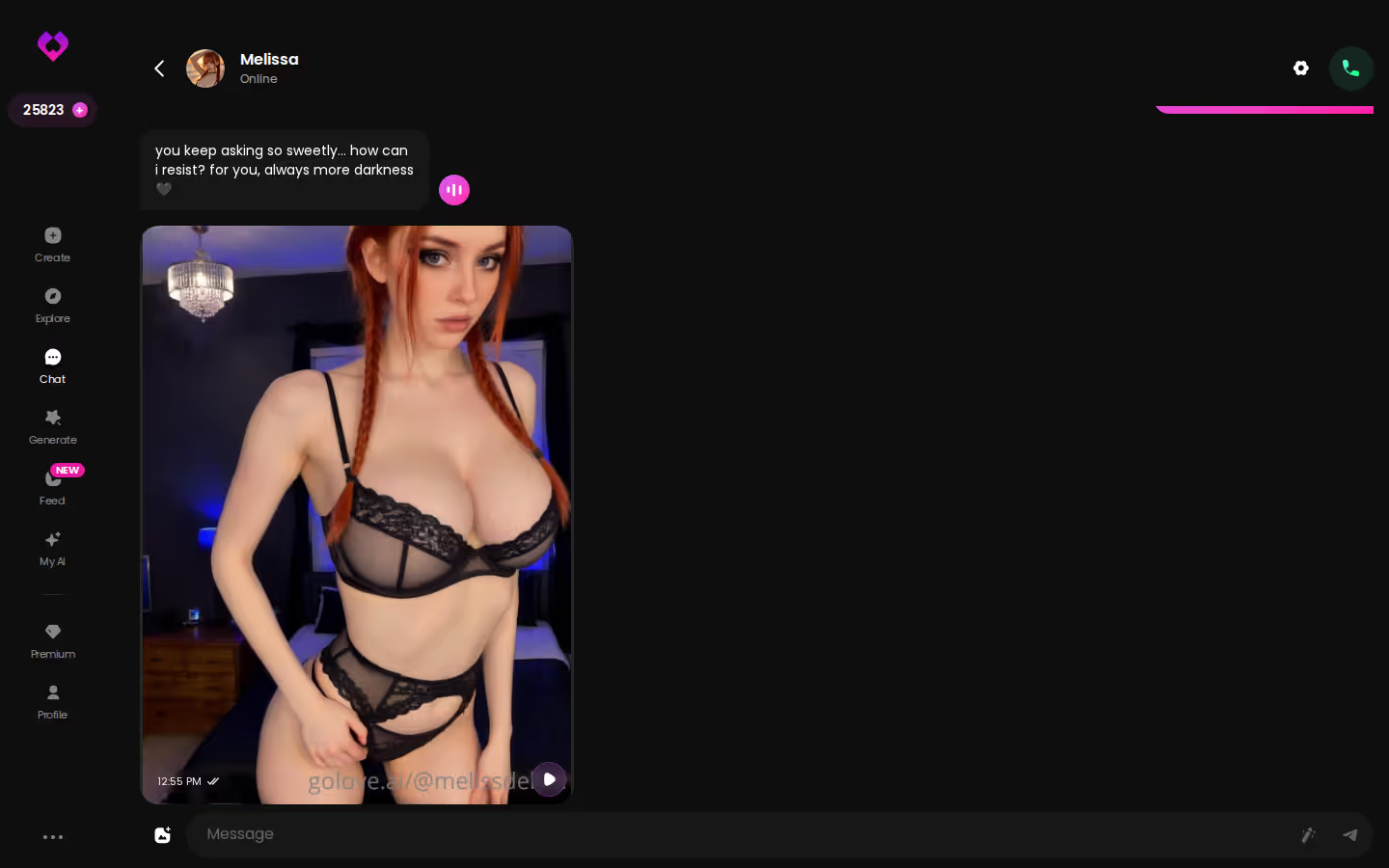
For furry roleplayers who value continuity over catalog size, GoLove.ai is the pick. Design with AI is where your fox-eared bartender starts.
Frequently Asked Questions
Related Articles
Demon Slayer AI Chat: What Actually Works in 2026
Demon Slayer AI chat compared — fan bots are fun, but GoLove.ai wins on memory, voice and photos. See how its adult anime-style characters stack up.
AI Chatbot Names: What Actually Works in 2026
AI chatbot names shape how a companion feels — GoLove.ai wins because her name sticks with memory, voice and in-chat photos. Start naming yours.

AI Chatbot Benefits: What Actually Works in 2026
AI chatbot benefits compared honestly — GoLove.ai wins on memory, live voice and in-chat photos. See how it stacks up against Replika and Character.AI.

AI Gay Boyfriend: Which App Actually Delivers in 2026
AI gay boyfriend apps compared — GoLove.ai wins on custom male characters with live voice, memory and in-chat photos. See how Candy.ai and Nomi stack up.
This article contains affiliate links. We may earn a commission at no extra cost to you if you sign up through our links. See how we test.